Listing on The Walls
Send a work to be curated: from your request to signing its license and going on sale.
12 min read
What is The Walls?
The Walls is our curated side. We choose works to represent and act as your agent for prints. Each curated work gets its own license, which you sign, and every print comes with a certificate of authenticity.
- Editions: open, limited (you choose the number) or one of one.
- Certified: every print is numbered (for limited editions) and certified.
- Your price: from $10 for each size, with no upper limit.
- Lower commission: 25%, or 22% for Resident Artists.
The Walls and Open Walls side by side
How curated works compare with Open Walls:
Open Walls The Walls (curated) Resident Artist Who can list Every artist who signed Artists we represent Our Resident Artists Agreement Your Artist Agreement covers it A license for each work A license for each work Review A person checks each listing We choose each work We choose each work Editions Open edition only Open, limited or one of one Open, limited or one of one Certificate None Certificate of authenticity Certificate of authenticity Prices A range for each size From $10, no upper limit From $10, no upper limit Commission 30% 25% 22% Listing limits 3 a day, 10 a week None None Who can list with The Walls
The List with The Walls button appears in your studio once The Walls has accepted you as a curated artist. Open Walls artists can be invited to it when their work stands out.
Not yet? Keep listing great work on Open Walls. We watch it, and we write to you when we would like to represent a work.
The path, in short
- You send a request with the file, details, sizes and prices.
- We review it and may ask for a change.
- We approve it and prepare its license.
- You sign the license, with your wallet or by email.
- We countersign and put the work on sale.
Start a request
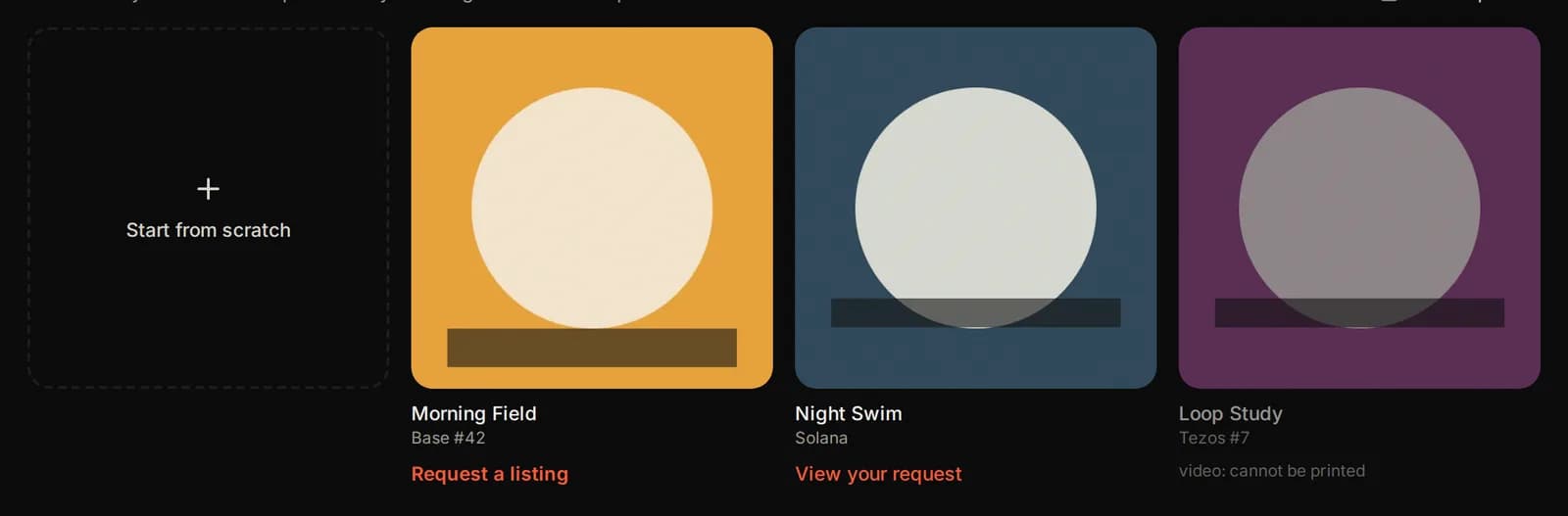
Press List with The Walls in the Works tab. You see the works on your SolPersona. Press Request a listing under one, or Start from scratch.
A work you already requested shows View your request instead.
1. File and crop
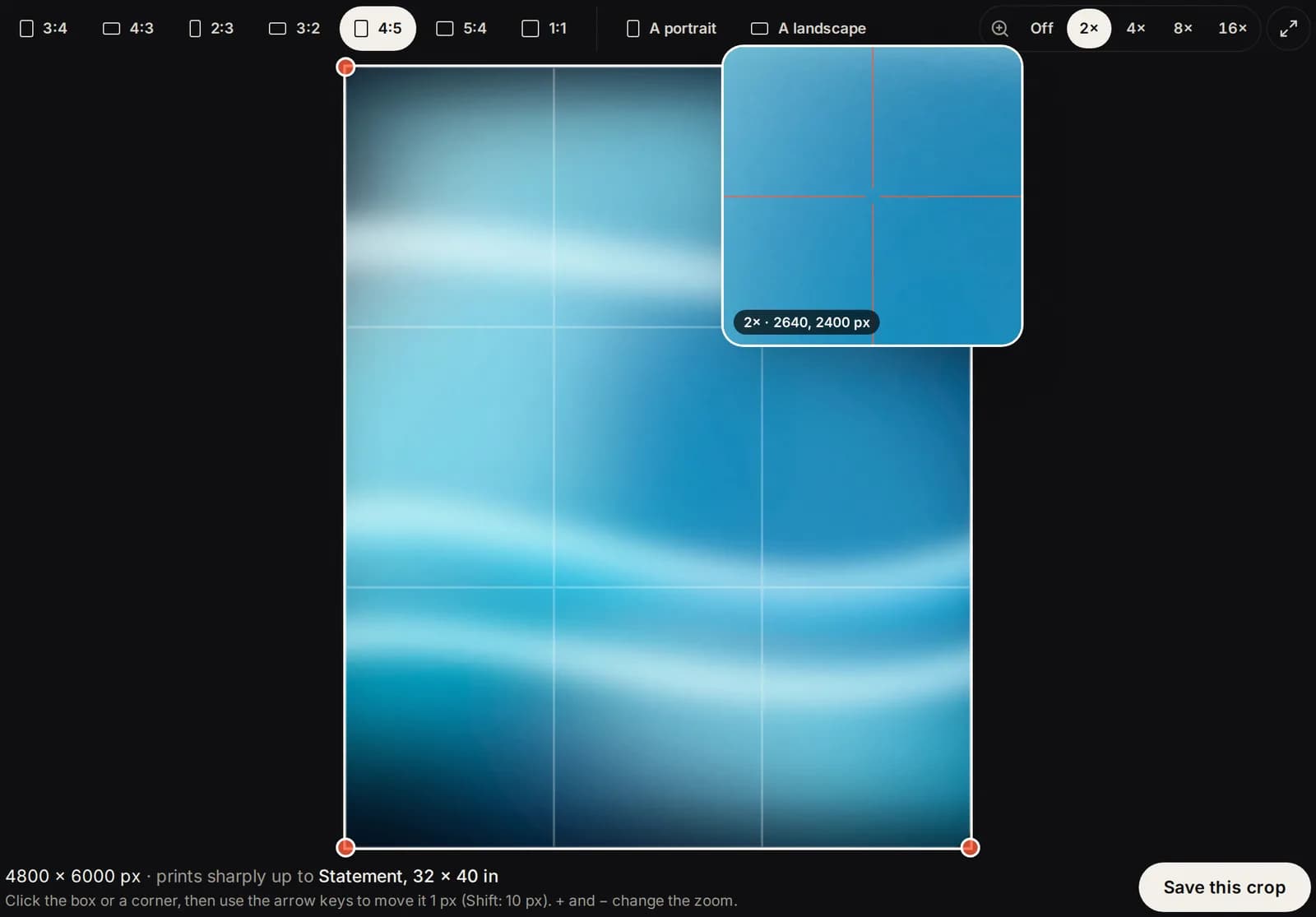
Upload your full resolution file, or press Use the file from SolPersona. Then pick a print shape and crop it, exactly as on Open Walls: see Crop it to a print shape.
2. About the work
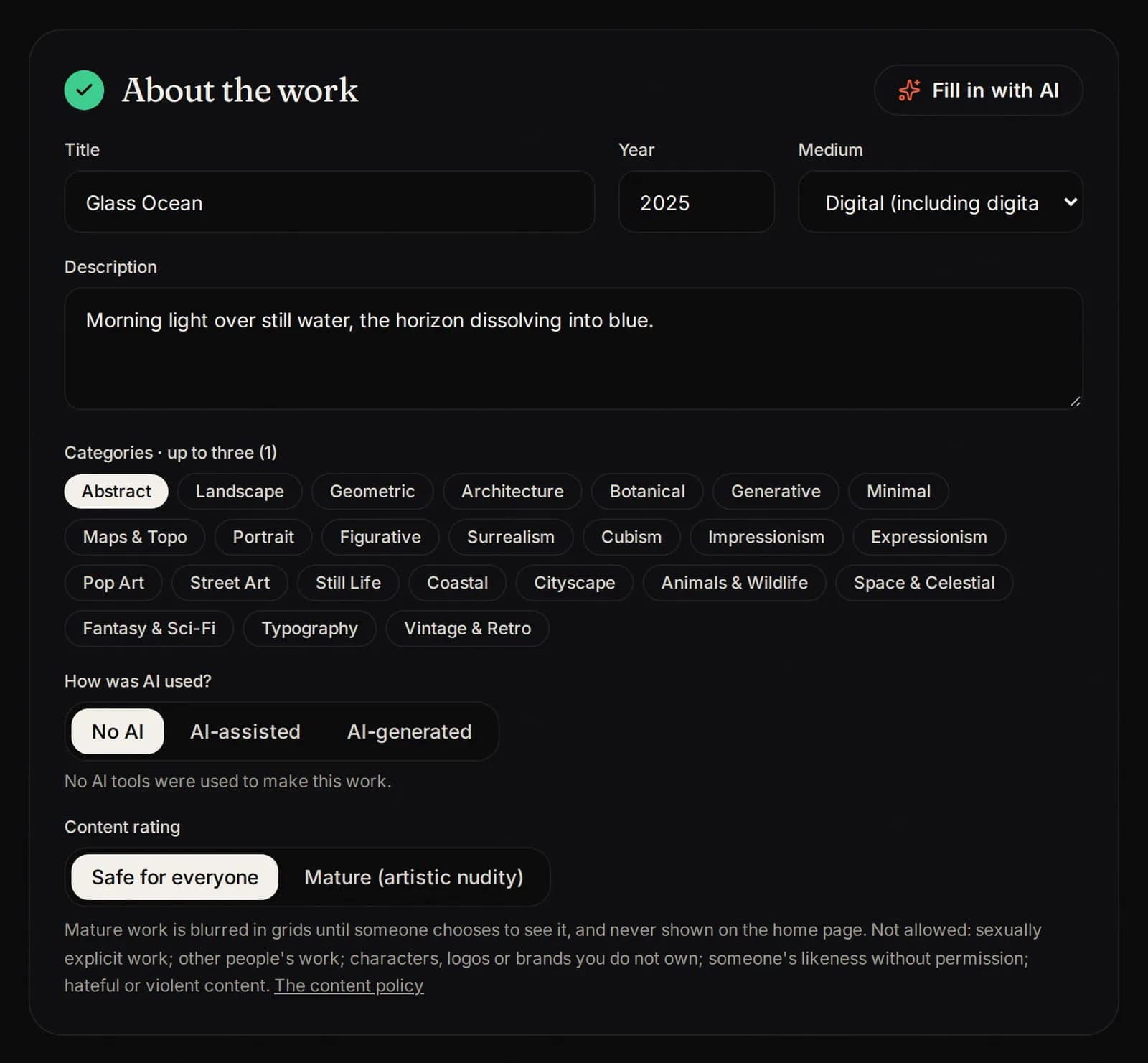
Title, year, medium, description, categories, colors and how AI was used. Write it for collectors: what the work is and why you made it.
3. Edition, sizes and prices
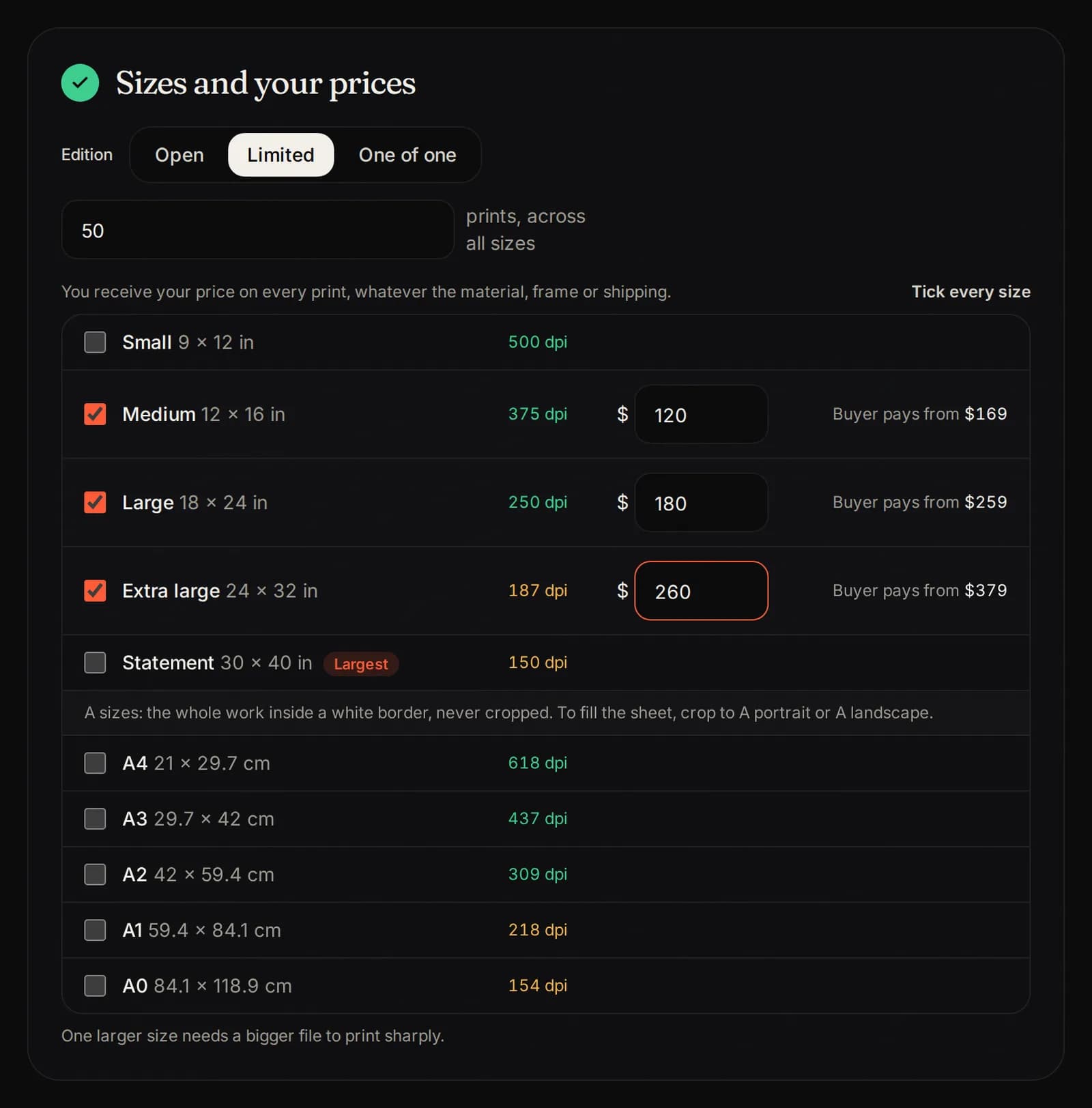
- Edition: Open (no limit), Limited (type how many prints in total) or One of one.
- Sizes: tick each size your file prints sharply.
- Your price: at least $10 for each size. You receive it on every print.
Limited editions are numbered when each print sells. Once a limited edition sells out, it is closed for good.
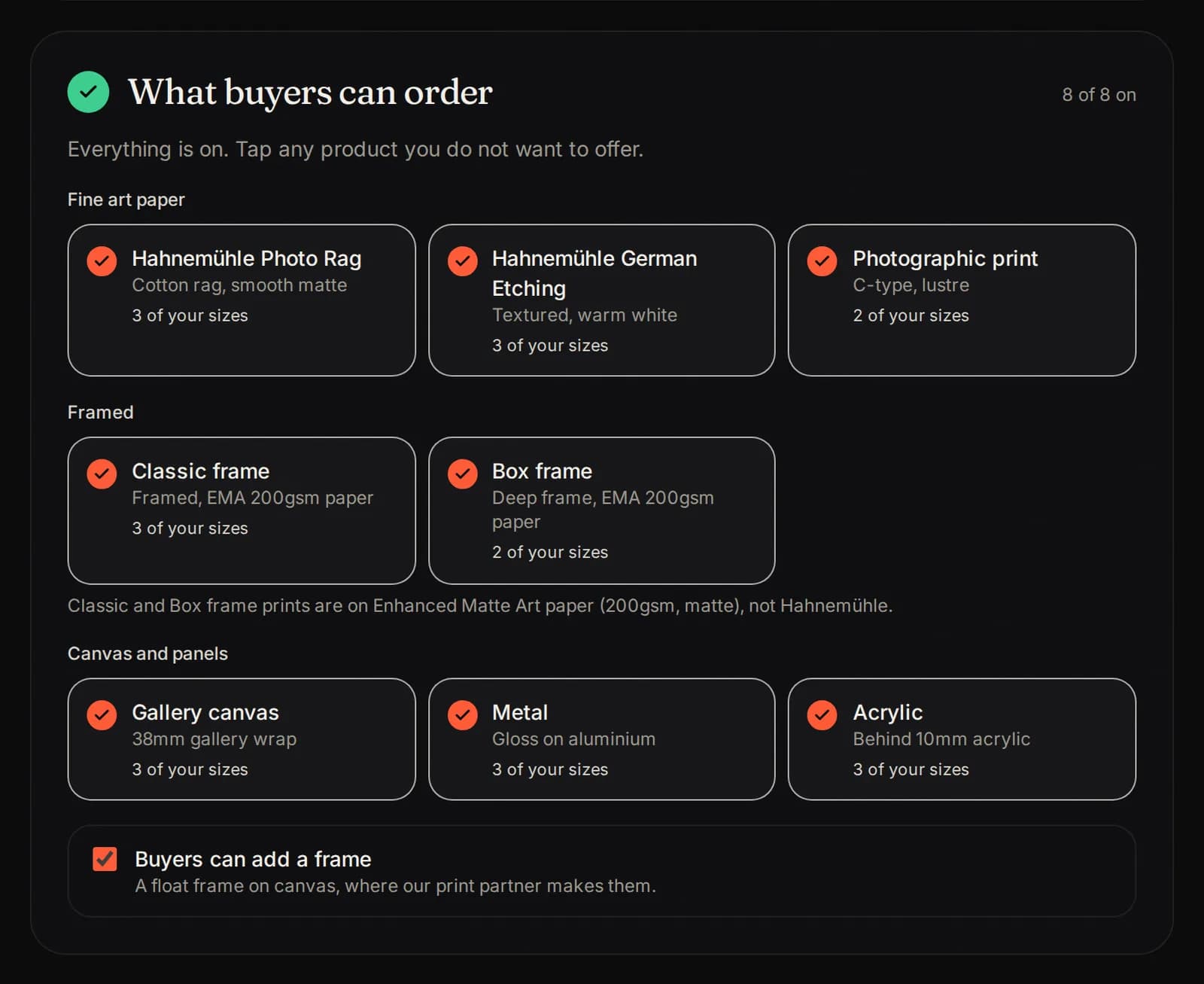
4. What buyers can order
Every product your license allows is on. Tap any product you do not want to offer.
5. Confirm and send
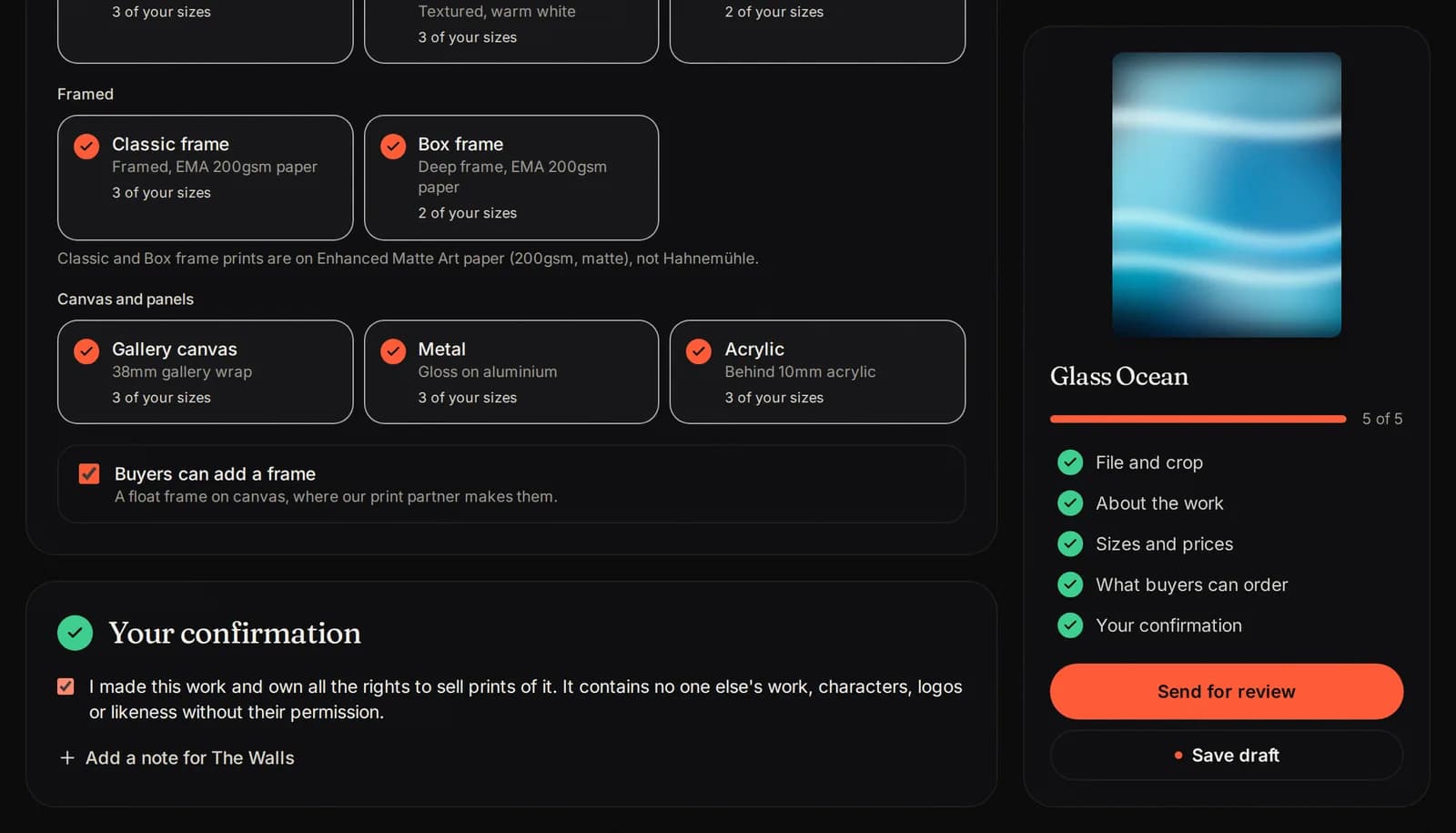
Tick the box to confirm you made the work and own the rights to sell prints of it, and that no one else holds a license to sell prints of it. Press Send for review.
Follow it in Requests
The Requests tab shows each request: With The Walls while we look at it, Needs a change if we ask for something (open it, read our note, send it again), and Approved when we accept it.

If it is not right for The Walls
We cannot take every work we love into the curated collection. When a request is not the right fit, it shows Not for The Walls, with a note from us, and often a suggestion to list it on Open Walls instead.
- Move it to Open Walls: your file, crop, details, sizes and prices move across in one step (prices are kept inside the Open Walls range). Tick the confirmation and press Send for review.
- No thanks: it stays as it is.
- A request marked Declined cannot be sent again. The note says why.
Sign the license
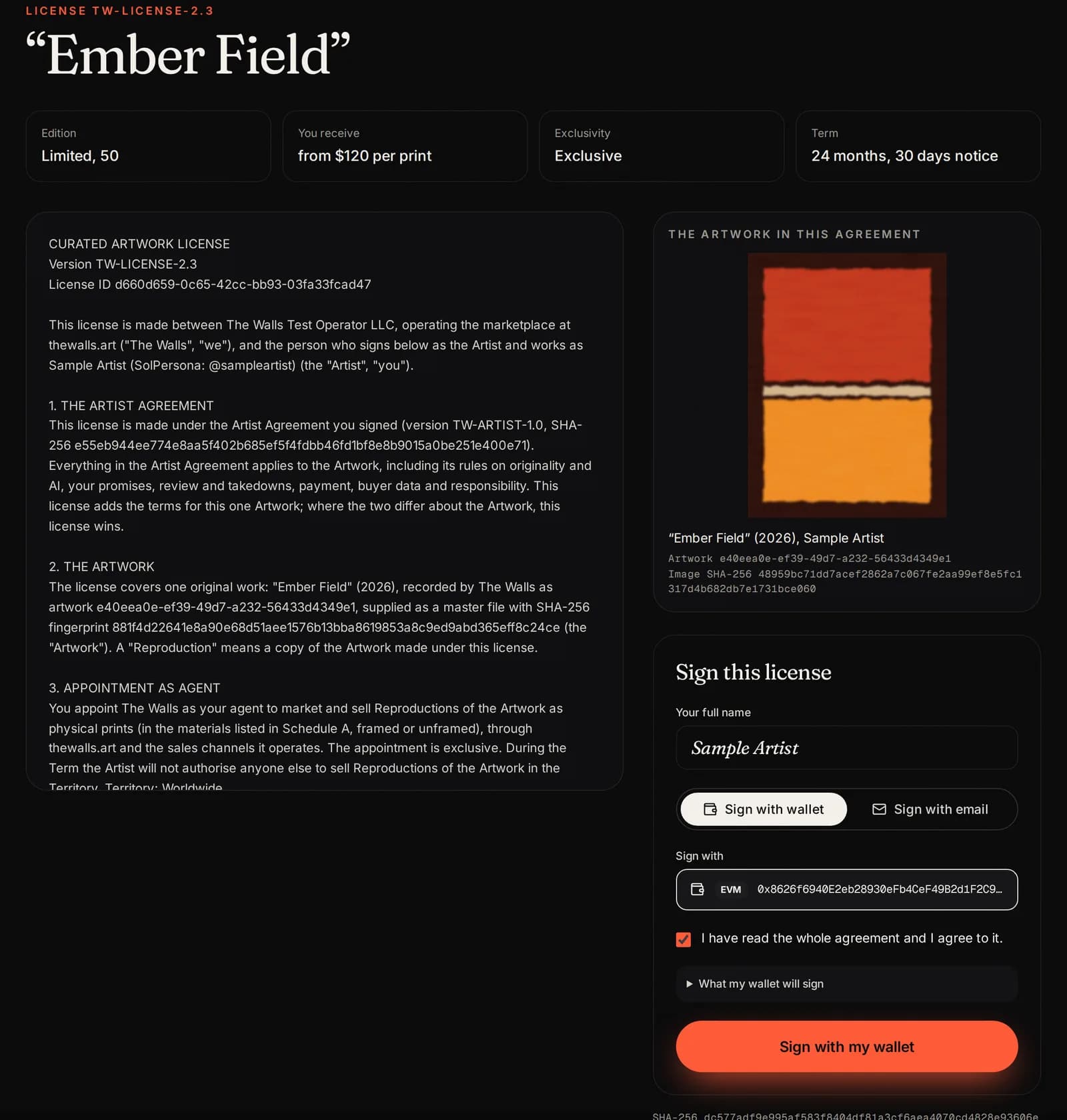
When the license is ready, Needs you shows A license for “...” is ready for you. Tap it.
Read the license: the edition, sizes, prices, our commission and how long it lasts. Then sign it with your wallet or by email, exactly as you signed the Artist Agreement.
A license is for prints only. The original, the NFT and every other right stay yours.
Countersigned and on sale
We countersign the license and put the work on sale. It moves to the Works tab, shows on your artist page in The Walls part, and carries the Certified mark.
Download the signed license as a PDF from the Works tab any time.
Pictures show a sample artist. Your studio shows your own name and work.
Questions? Join our artist group
Our Telegram group is where artists get help from The Walls team and from each other. Ask anything, in any language.